QLab OSC and Local Network Permissions

This is posted because it became very annoying at Edinburgh Fringe this year and hopefully it helps others who stumble upon it.
There appears to be a known issue with recent version of macOS that results in QLab (and potentially other apps) 'losing' the permissions granted for access to the local network.
The 'fix' we directed technicians to use is to turn QLab's Local Network permission off and on again after rebooting the QLab mac (or each mornign)
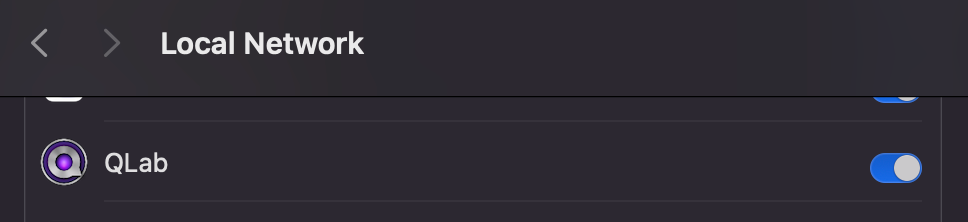
However, there is a better and more permanent solution (adjust the subnet below to match your OSC subnet) - just run the below from the command line;
sudo defaults write com.apple.network.local-network AllowedEthernetLocalNetworkAddresses -array “10.0.0.0/8”
sudo defaults write com.apple.network.local-network AllowedWiFiLocalNetworkAddresses -array "10.0.0.0/8”
NB This advice is based on QLab and other OSC devices being on a closed network, it circumvents a useful piece of macOS security and you should not take this approach (or limit it to exactly the IPs you need) on a more widely-used Mac, or where the Mac is used in other environments.